Kore
The Kore tab exposes the parameters relative to the connection with the AI software and its settings.
K SYSTEM Sense only
This tab is only used with a Kore. It has no use in K SYSTEM Flow.
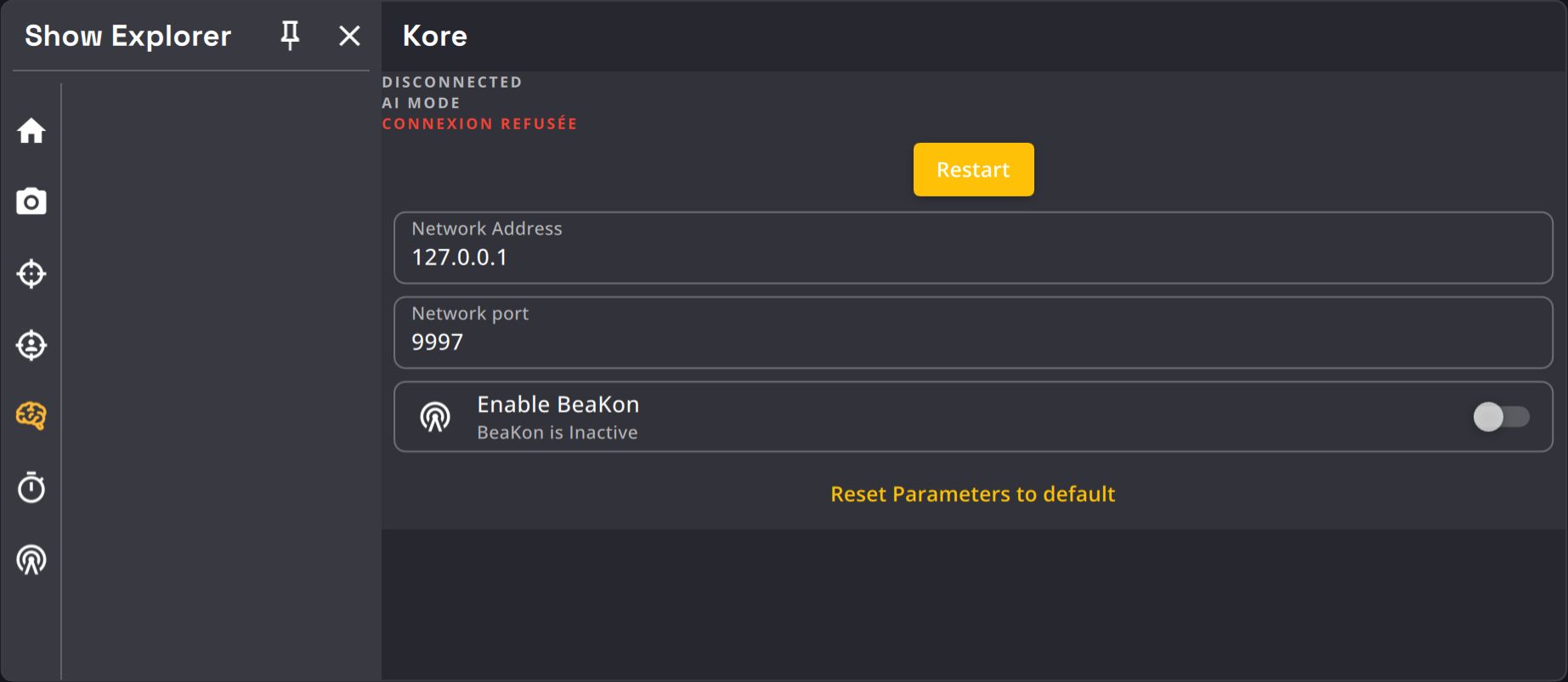
| Name | Description | Image |
|---|---|---|
| Restart button | You can restart the AI if you experience problems with it. |  |
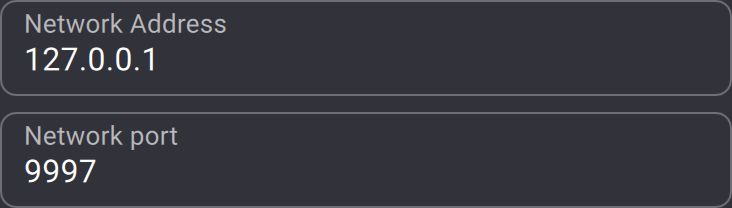
| IP and port textfields | Kratos connects to the AI locally via network (127.0.0.1). The standard port is 9997. |
 |
| Enable BeaKon tag toggle | Allows the BeaKon system information to be send to the Kore. If disabled, the BeaKon system will have no purposes. |  |
| AI Model dropdown | Picks the AI that tracks people: Kore Classic (2025) or Kore Fusion (2026). See Choosing the AI model. | 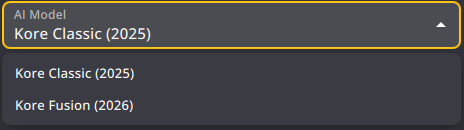 |
Kore feature settings
Enum-type settings exposed by the Kore (such as the 2D tracker type) are shown as dropdowns in the Kore section. Selecting a value sends it back to the Kore.
Choosing the AI model
Every user sees the AI Model dropdown once a Kore has declared the parameters it needs. Older Kore versions such as v1.14 don't declare them, so it stays hidden there. The dropdown stays after the Kore disconnects, and Kratos sends a change made then when the Kore reconnects. New shows start on Kore Classic. Switching applies live without restarting the Kore.
| AI model | Cameras | Use it when |
|---|---|---|
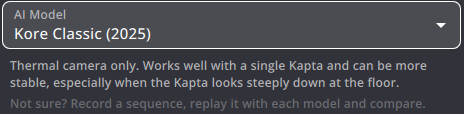
| Kore Classic (2025) | Thermal only | You have a single Kapta. It can be more stable, especially when the Kapta looks steeply down at the floor. |
| Kore Fusion (2026) | Thermal + infrared | You have several Kapta, you are outdoors, or the infrared image is good. It triangulates a 3D skeleton from 17 keypoints. It may be less stable. |
Not sure which one to use?
Record a sequence, replay it with each AI model and compare the tracking.
The dropdown shows Custom when the parameters match neither model. This happens after a change in Beta Mode, or with a show saved before the dropdown existed. Pick a model to apply it.
Apart from the AI Model dropdown, we recommend not changing the Kore tab. The rest of it is mainly a development tool.