Show Explorer
The view Show explorer allows you to manage all the show items. This view has a side panel where all the different items are stored (see more at the side panel section). The items in the side panel are stored in tabs :
- Show tab : General parameters of the show.
- Cameras tab : List of all the devices (Kapta or Kam) that have been connected to the show and their parameters.
- Trackers tab : List of all the trackers and their properties. (Beta mode only)
- Targets tab : List of all the Targets of the show and their properties and parameters.
- Kore tab : Options and parameters relative to the AI.
- Timecode tab : Timecode options and parameters.
- BeaKon tab : BeaKon options and parameters.
- Feature Preview tab : Opt into pre-release features for this show.
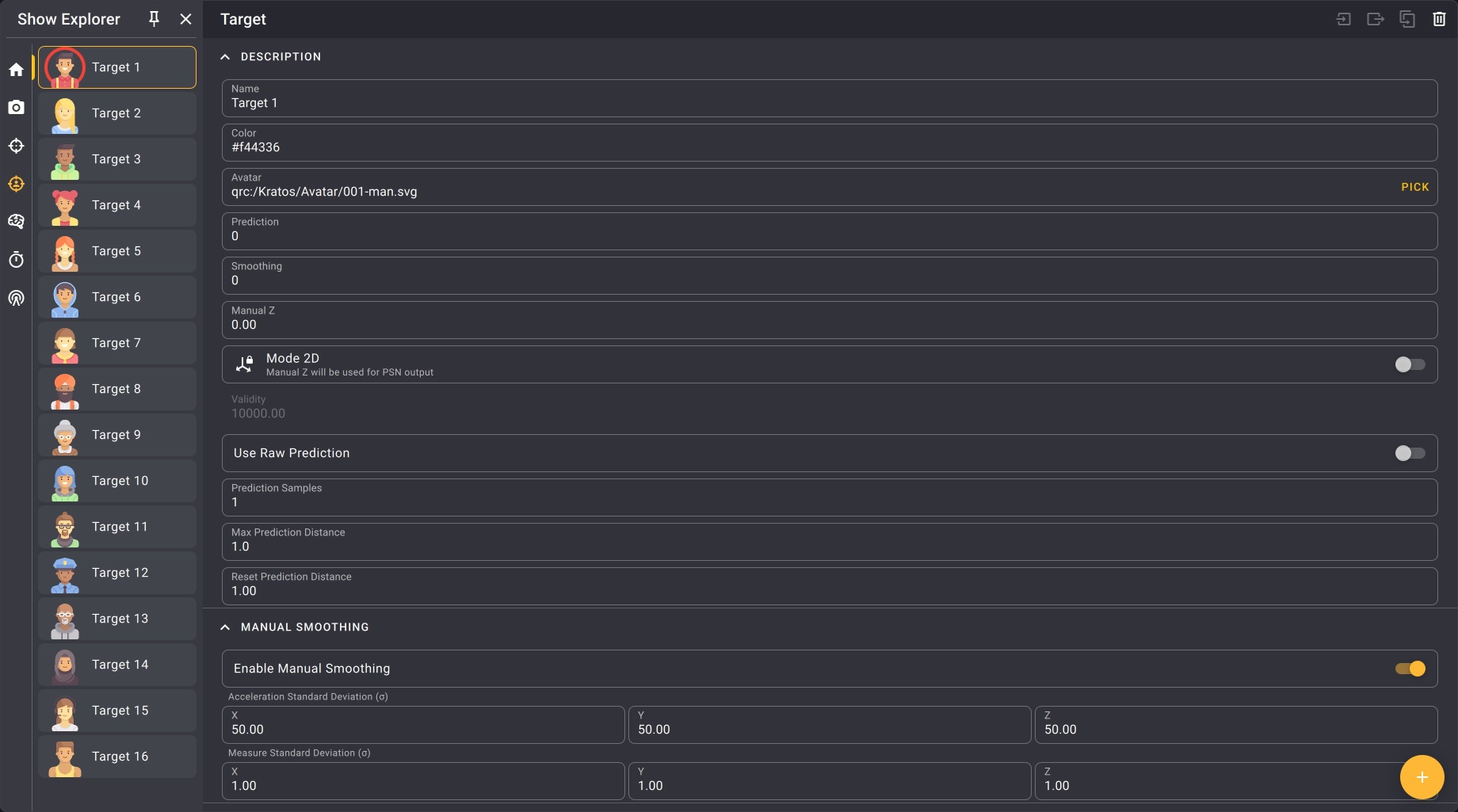
To create a Show explorer view, check the Layout organization section.
View settings
When in page editor mode, you can access the Show explorer view settings on the top right of the view.
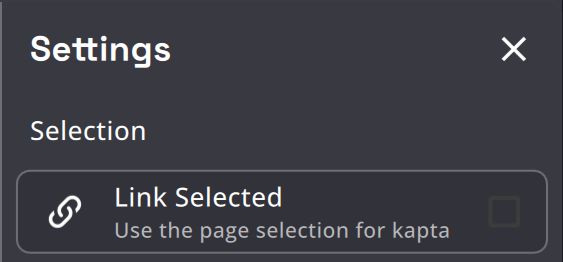
Link Selected

This option allows you to link the camera selection off the Camera views and Show explorer views of the same page.
Per page, views with this option enabled will be synced together: selecting a camera of one of the view will select the same camera on the other views.