BeaKon
The BeaKon tab allows you to manage all the BeaKon parameters.
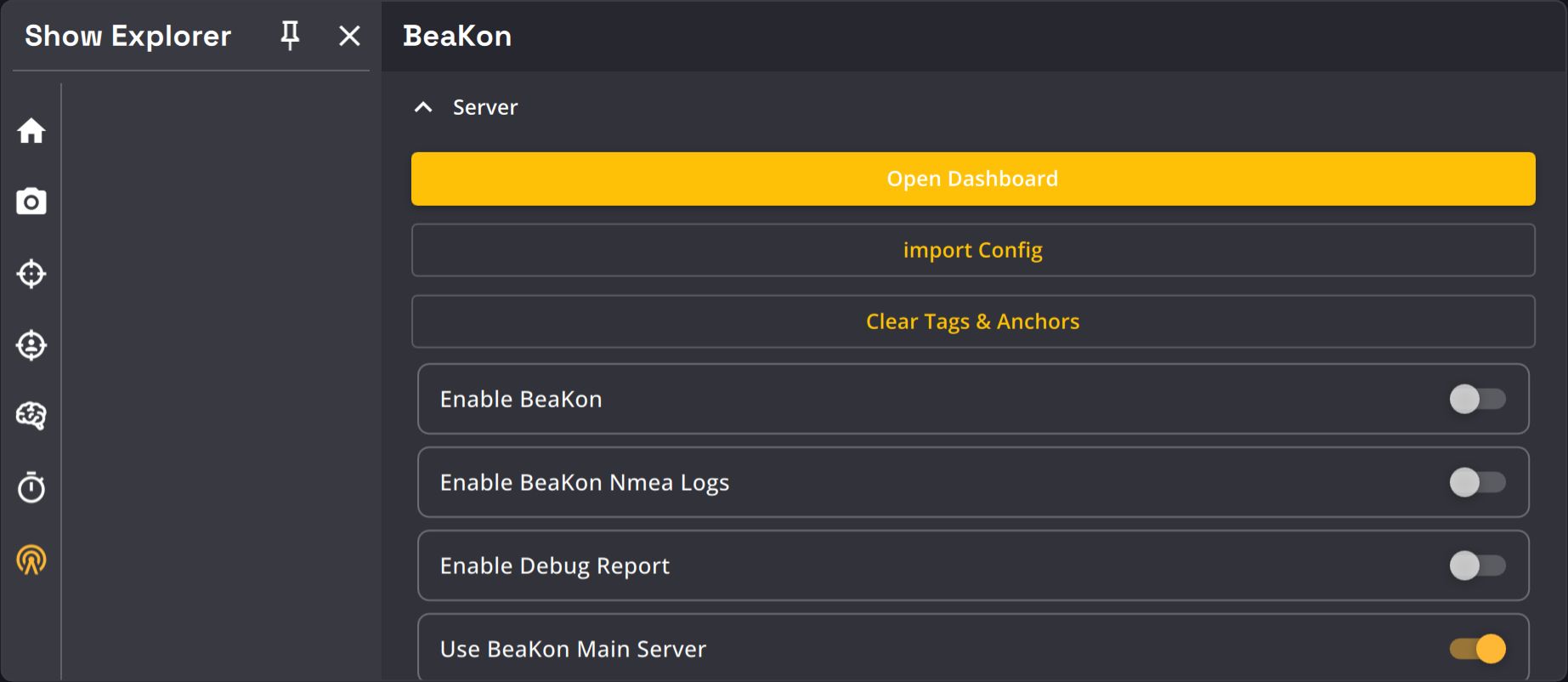
The BeaKon system is managed by a separate server (called BeaKon server). Kratos can connect to it via network to receive information and send this information to the AI.
| Name | Description | Image |
|---|---|---|
| Import config button | At the moment, the BeaKon kit configuration has to be done by writing a configuration file manually. Use this button to import the configuration once the file is written. |  |
| Clear tags and anchors button | This will delete all the tags and anchors saved in Kratos and in the BeaKon server. You will need to re-import a config file and reconnect the tags and anchors to the BeaKon server. |  |
| Enable BeaKon toggle | Enable / Disable any communication with the BeaKon server(s). |  |
| Logs toggle | If enable, the logs between Kratos and the BeaKon server will be displayed on the Message view. |  |
| Debug Report toggle | If enabled, the BeaKon server logs will be saved on .kramera files when recording. |
 |
| Main / Spare server switch | Kratos can connect to 2 BeaKon servers simultaneously. You can fill in the Ip addresses of the main and the spare server, and choose which one to listen to here. | 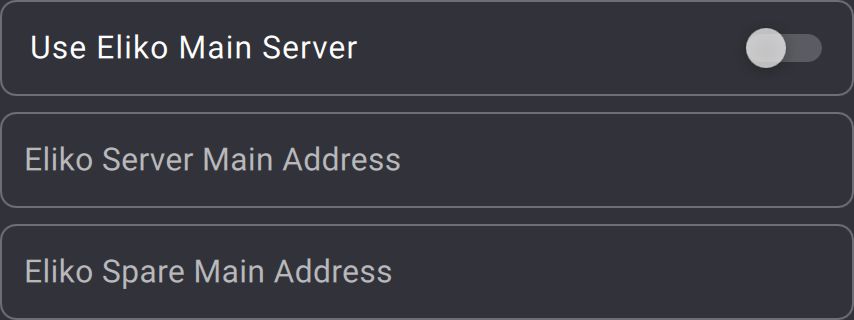 |
| Update rate selection | You can change the update rate of the tags here. | 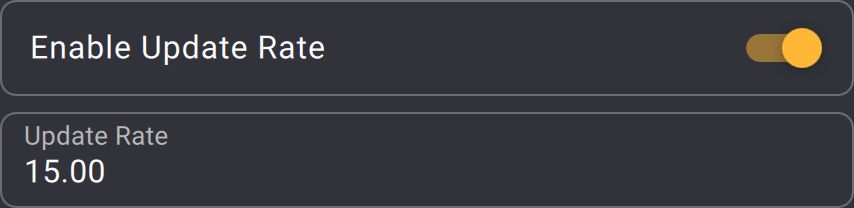 |
| Tag Kit selection | Kratos can manage 2 tag kits (called A and B), you can choose which one to use here. If no kit is selected, all the tags turned on will be used. |  |
| Playback delay | If a tag is lost, Kratos can use its position from a .kramera file that has previously been recorded. This is useful in case of a emergency when a tag doesn't respond anymore. You have to preform the show before with the same tag and record a .kramera file (with timecode) before using this feature. You can choose the time period necessary to determine that a tag is lost here. |
 |
| Legacy filter toggle | Development tool, should stay untouched. | 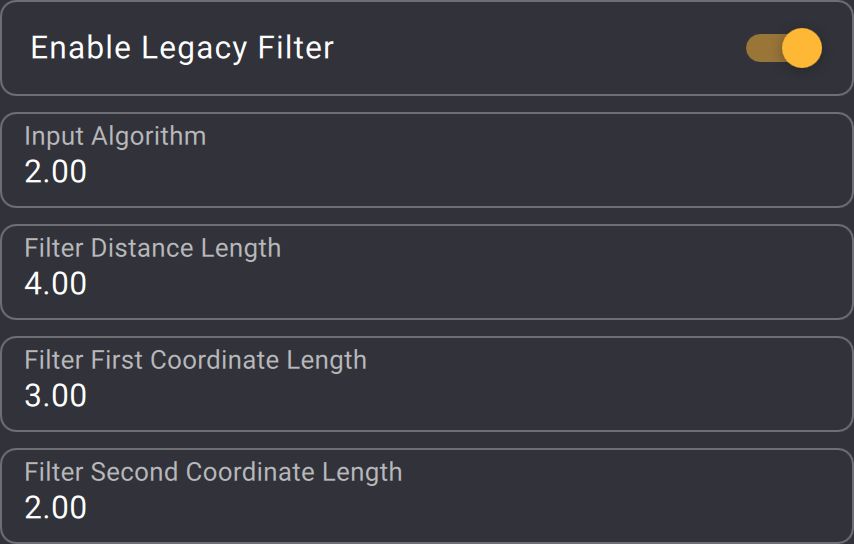 |
| Coordiates offset | If the BeaKon system has not been calibrated in the same coordinate system that Kratos uses, you can offset the position received from the BeaKon server here. |  |
| Position noise too big textfield | Development tool, should stay untouched. |  |
| Play annotation as tags toggle | If you have an annotated .kramera file, you can emulate tags with the annotations of this file. |
 |
| Anchor LED toggle | You can turn on or off the status LEDs of the anchors with this button. |  |
| Playback file selection | You can select here the .kramera file that will be played if the "Timecode for playback" option has been enabled in the timecode tab. |
 |
| Delete tags button | This button will delete all the tags from Kratos and from the BeaKon server. |  |
| Delete anchors button | This button will delete all the anchors form Kratos and from the BeaKon server. |  |
| PSN as Tags toggle | Allows you to enable or disable the emulation of Tags for each PSN tracker received via a PSN module input. |  |