Quick Assign using an external pad or controller
You can trigger Quick Assign from an external device (a stream deck, a MIDI/USB pad, or any controller) in two ways.
K SYSTEM Sense only
Quick Assign patches Targets to Trackers created by the Kore AI.
Controller sending keystrokes
If your pad or controller can emit keyboard shortcuts (most stream decks and macro pads can), map each button to a key combination, then bind that same combination to a Target's Quick Assign. See Quick Assign using a keyboard.
Controller sending OSC
If your device sends OSC (directly or through software such as a show-control system), you can drive Quick Assign over KratOSC.
Enable KratOSC
Create a KratOSC module, enable its Input and set its Input Ip and Port to the address and port your controller sends to.
Send to the Target's Quick Assign address
Each Target exposes the OSC address:
/kratos/targets/<target_name>/actions/quickAssign
You can find a Target's exact address in its Quick Assign section in the Show Explorer → Target tab.
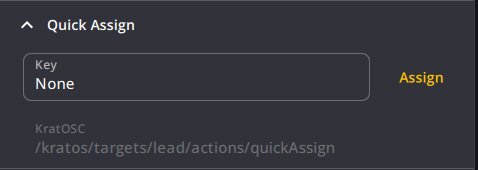
There are two ways to call it:
- Instant : send the address with no argument to assign immediately at the cursor position.
- Press / release : send
truewhen the button is pressed (shows the on-video preview) andfalsewhen released (commits the assignment). This mirrors holding and releasing a keyboard shortcut.
Aim with the cursor
Quick Assign always uses the position of the mouse cursor over the hovered camera view, so move the cursor over the person before triggering. If no camera view is hovered, nothing is assigned and Kratos logs an error.
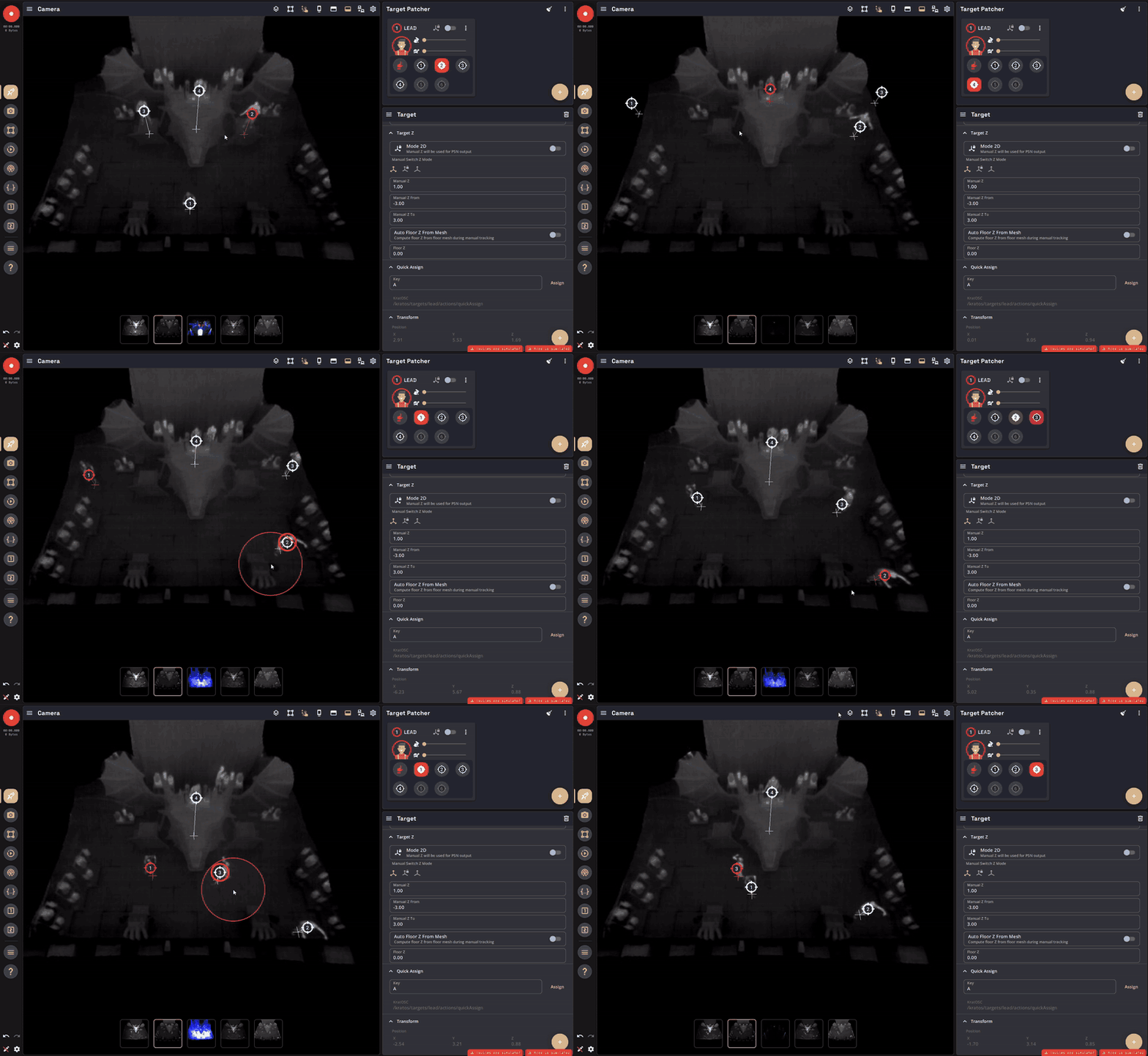
Set the global search radius with Max Distance (%) in the Show tab.